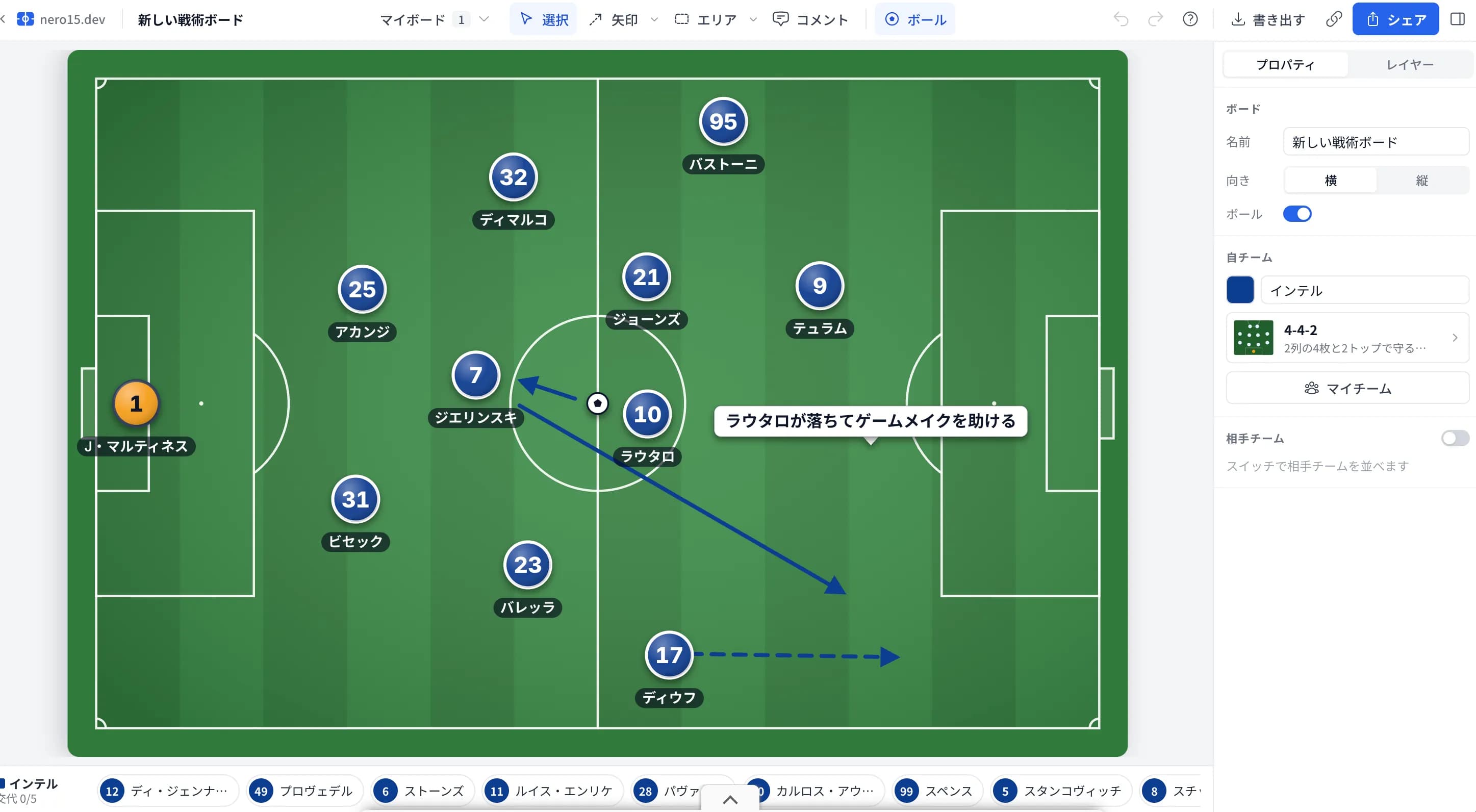




ジョゼップ・マルティネスの失態で揺れるインテルの守護神問題とプロヴェデルの出番
10月14日
AI Assisted
この記事は筆者の実装経験をもとに実装コードをベースに執筆し、AIによる校閲・推敲を経て公開しています。
Next.js 16(App Router)環境において、SEOタグの管理はどうしているだろうか。
もし、Pages Router時代の名残で next-seo を無理やり使っていたり、手動で <head> タグを書いているなら、今すぐ標準の Metadata API に移行すべきだ。
サーバーコンポーネント内で完結するためパフォーマンスが良く、動的なOGP生成も型安全に行える。 今回は、実務で運用している「Metadata APIの設計パターン」を紹介する。
かつては next-seo などのライブラリが必須だったが、App Router以降は不要になった。
Metadata APIを使うメリットは以下の通り。
まずは基本。トップページやLPなど、内容が固定されているページの実装。
layout.tsx や page.tsx で metadata オブジェクトをexportするだけでいい。
// app/layout.tsx
import { Metadata } from 'next'

export const metadata: Metadata = {
  title: {
    template: '%s | nero15.dev',
    default: 'nero15.dev',
  },
  description: 'Next.jsとサッカー開発の技術ブログ',
  openGraph: {
    siteName: 'nero15.dev',
    url: 'https://nero15.dev',
    locale: 'ja_JP',
    type: 'website',
  },
  twitter: {
    card: 'summary_large_image',
    creator: '@nero15dev',
  },
  robots: {
    index: true,
    follow: true,
  },
}
title.template を設定しておくと、下層ページで title: '記事タイトル' と書くだけで「記事タイトル | nero15.dev」のように接尾辞を自動付与してくれる。地味だが便利だ。
ブログ運用で最も使うのがここ。URLパラメータ(ID/Slug)を元にDBから記事情報を取得し、メタタグに反映させる。
generateMetadata 関数を使用する。
注意点として、Next.js 15以降 params が Promise に変更されたため、awaitが必要になる。
// app/posts/[id]/page.tsx
import { Metadata } from 'next'

type Props = {
  params: Promise<{ id: string }>
}

// ISR設定: 記事更新の反映ラグを許容しつつパフォーマンスを確保
export const revalidate = 600

export async function generateMetadata({ params }: Props): Promise<Metadata> {
  // Next.js 15/16ではparamsをawaitする
  const { id } = await params
  const post = await getPostById(id)

  if (!post) {
    return {
      title: 'Not Found',
    }
  }

  const url = `https://nero15.dev/posts/${id}`
  const ogImage = post.heroImage || 'https://nero15.dev/og-image.png'

  return {
    title: post.title,
    description: post.excerpt,
    openGraph: {
      title: post.title,
      description: post.excerpt,
      url,
      type: 'article',
      publishedTime: post.publishedAt,
      images: [
        {
          url: ogImage,
          width: 1200,
          height: 630,
        }
      ],
    },
    twitter: {
      card: 'summary_large_image',
      title: post.title,
      description: post.excerpt,
      images: [ogImage],
    },
    alternates: {
      canonical: url,
    },
  }
}

export default async function PostPage({ params }: Props) {
  // ...
}
ページが増えるたびに上記のオブジェクトを書くのは冗長だし、保守性が悪い。 「最低限必要な情報」だけ渡せば、SEO用オブジェクトを生成して返すユーティリティ関数を作るのが最適解だ。
以下は実際に運用しているコード。
// lib/seo/metadata.ts
import { Metadata } from 'next'

export interface SEOData {
  title: string
  description: string
  keywords?: string[]
  image?: string
  url?: string
  type?: 'website' | 'article' | 'profile'
  publishedTime?: string
  modifiedTime?: string
  authors?: string[]
  tags?: string[]
  category?: string
}

const SITE_CONFIG = {
  name: 'nero15.dev',
  description: 'Web開発、サッカー(主にインテル)の情報配信プラットフォーム',
  url: 'https://nero15.dev',
  image: '/og-image.png',
  twitterHandle: '@nero15dev',
  locale: 'ja_JP',
  author: 'nero15.dev編集部'
}

export function generateMetadata(seoData: SEOData): Metadata {
  const {
    title,
    description,
    keywords = [],
    image = SITE_CONFIG.image,
    url = SITE_CONFIG.url,
    type = 'website',
    publishedTime,
    modifiedTime,
    authors = [SITE_CONFIG.author],
    tags = [],
    category
  } = seoData

  // タイトル: サイト名と異なる場合は「タイトル | サイト名」形式に
  const fullTitle = title === SITE_CONFIG.name
    ? title
    : `${title} | ${SITE_CONFIG.name}`

  // 説明文: 160文字を超えたら自動切り詰め(SEO最適値)
  const optimizedDescription = description.length > 160
    ? description.substring(0, 157) + '...'
    : description

  // 画像URL: 相対パスなら絶対URLに変換
  const imageUrl = image.startsWith('http')
    ? image
    : `${SITE_CONFIG.url}${image}`

  // ページURL: 相対パスなら絶対URLに変換
  const pageUrl = url.startsWith('http')
    ? url
    : `${SITE_CONFIG.url}${url}`

  return {
    title: fullTitle,
    description: optimizedDescription,
    keywords: keywords.length > 0 ? keywords : undefined,
    authors: authors.map(name => ({ name })),
    category,
    openGraph: {
      title: fullTitle,
      description: optimizedDescription,
      url: pageUrl,
      siteName: SITE_CONFIG.name,
      images: [{
        url: imageUrl,
        width: 1200,
        height: 630,
        alt: title,
        type: 'image/png',
      }],
      locale: SITE_CONFIG.locale,
      type: type,
      ...(publishedTime && { publishedTime }),
      ...(modifiedTime && { modifiedTime }),
      ...(tags.length > 0 && { tags }),
    },
    twitter: {
      card: 'summary_large_image',
      site: SITE_CONFIG.twitterHandle,
      creator: SITE_CONFIG.twitterHandle,
      // Twitterは70文字制限があるため自動切り詰め
      title: fullTitle.length > 70
        ? fullTitle.substring(0, 67) + '...'
        : fullTitle,
      description: optimizedDescription,
      images: { url: imageUrl, alt: title },
    },
    robots: {
      index: true,
      follow: true,
      'max-image-preview': 'large',
      'max-snippet': 160,
      'max-video-preview': 30,
    },
    alternates: {
      canonical: pageUrl,
    },
    // 記事専用メタデータ(article:* タグ)
    other: {
      ...(type === 'article' && publishedTime && {
        'article:published_time': publishedTime,
        'article:modified_time': modifiedTime || publishedTime,
        'article:author': authors[0],
        'article:section': category,
      }),
    },
  }
}
...に自動調整/og-image.png を渡しても https://nero15.dev/og-image.png に変換これを使えば、各ページの記述はここまでシンプルになる。
// app/posts/[id]/page.tsx
import { generateMetadata as generateSEOMetadata } from '@/lib/seo/metadata'

export async function generateMetadata({ params }: Props): Promise<Metadata> {
  const { id } = await params
  const post = await getPostById(id)

  if (!post) return { title: 'Not Found' }

  return generateSEOMetadata({
    title: post.title,
    description: post.excerpt || post.body.substring(0, 160),
    keywords: post.tags,
    image: post.heroImage,
    url: `/posts/${id}`,
    type: 'article',
    publishedTime: post.publishedAt?.toISOString(),
    modifiedTime: post.updatedAt?.toISOString(),
    tags: post.tags,
    category: post.categoryName,
  })
}
必須なのは title と description だけ。あとはオプショナルで、渡さなければデフォルト値が使われる。
SEOにおいて、URLの正規化(canonical)は必須だ。
例えば https://nero15.dev/posts/abc?utm_source=twitter のようなパラメータ付きURLでアクセスされた際、Googleに「正規のURLは https://nero15.dev/posts/abc です」と伝えないと、評価が分散してしまう。
Metadata APIでは alternates.canonical で設定できる。上記のユーティリティに含めておくことを強く推奨する。
alternates: {
  canonical: pageUrl,
},
同じファイルに構造化データ生成関数も置いておくと便利だ。
// lib/seo/metadata.ts に追加
export function generateStructuredData(
  seoData: SEOData,
  type: 'NewsArticle' | 'BlogPosting' | 'WebSite' | 'Organization'
) {
  const baseUrl = SITE_CONFIG.url

  if (type === 'NewsArticle' || type === 'BlogPosting') {
    return {
      '@context': 'https://schema.org',
      '@type': type,
      headline: seoData.title,
      description: seoData.description,
      image: seoData.image?.startsWith('http')
        ? seoData.image
        : `${baseUrl}${seoData.image}`,
      datePublished: seoData.publishedTime,
      dateModified: seoData.modifiedTime || seoData.publishedTime,
      author: {
        '@type': 'Person',
        name: seoData.authors?.[0] || SITE_CONFIG.author,
      },
      publisher: {
        '@type': 'Organization',
        name: SITE_CONFIG.name,
        logo: {
          '@type': 'ImageObject',
          url: `${baseUrl}/images/logo.png`,
        },
      },
    }
  }
  // WebSite, Organization は省略...
}
Next.js 16時代のSEO実装は、Metadata API + 共通ユーティリティ が鉄板だ。
layout.tsx でベースを定義(title.template を活用)generateMetadata を使って動的に生成generateMetadata ユーティリティ関数でDRYにするcanonical を忘れないこれからNext.jsでブログやメディアを作るなら、この構成で始めておけば間違いない。

スポーツ×ITの会社でバックエンドエンジニア兼マネージャーとして勤務。インテル関連の情報を中心に発信しています。
最終更新: 2025年12月29日
サーバー代やコンテンツ制作費として、コーヒー1杯分のサポートをいただけると嬉しいです!
皆様のサポートが継続的なコンテンツ制作の励みになります

© 2025 nero15.dev. All rights reserved.